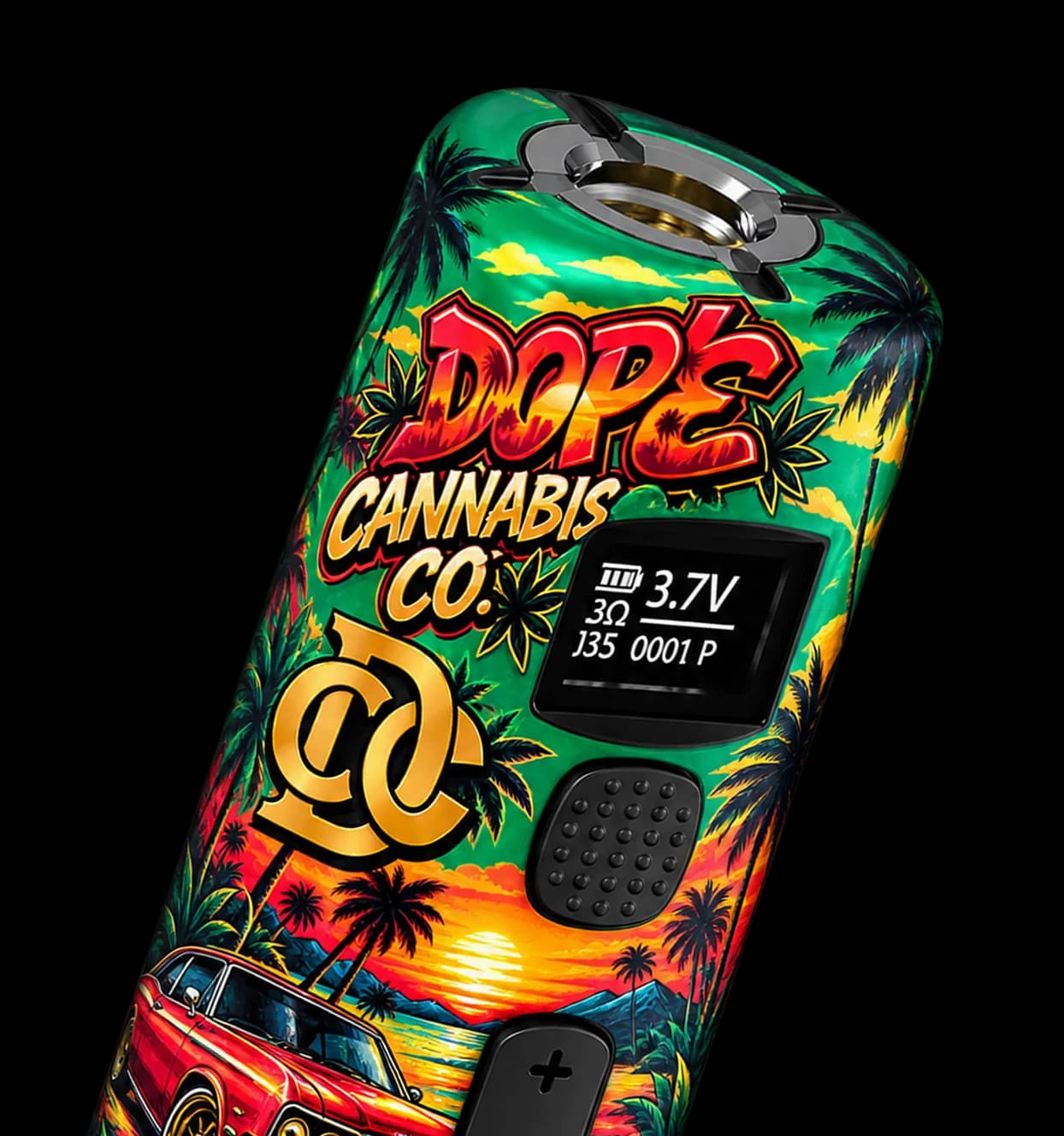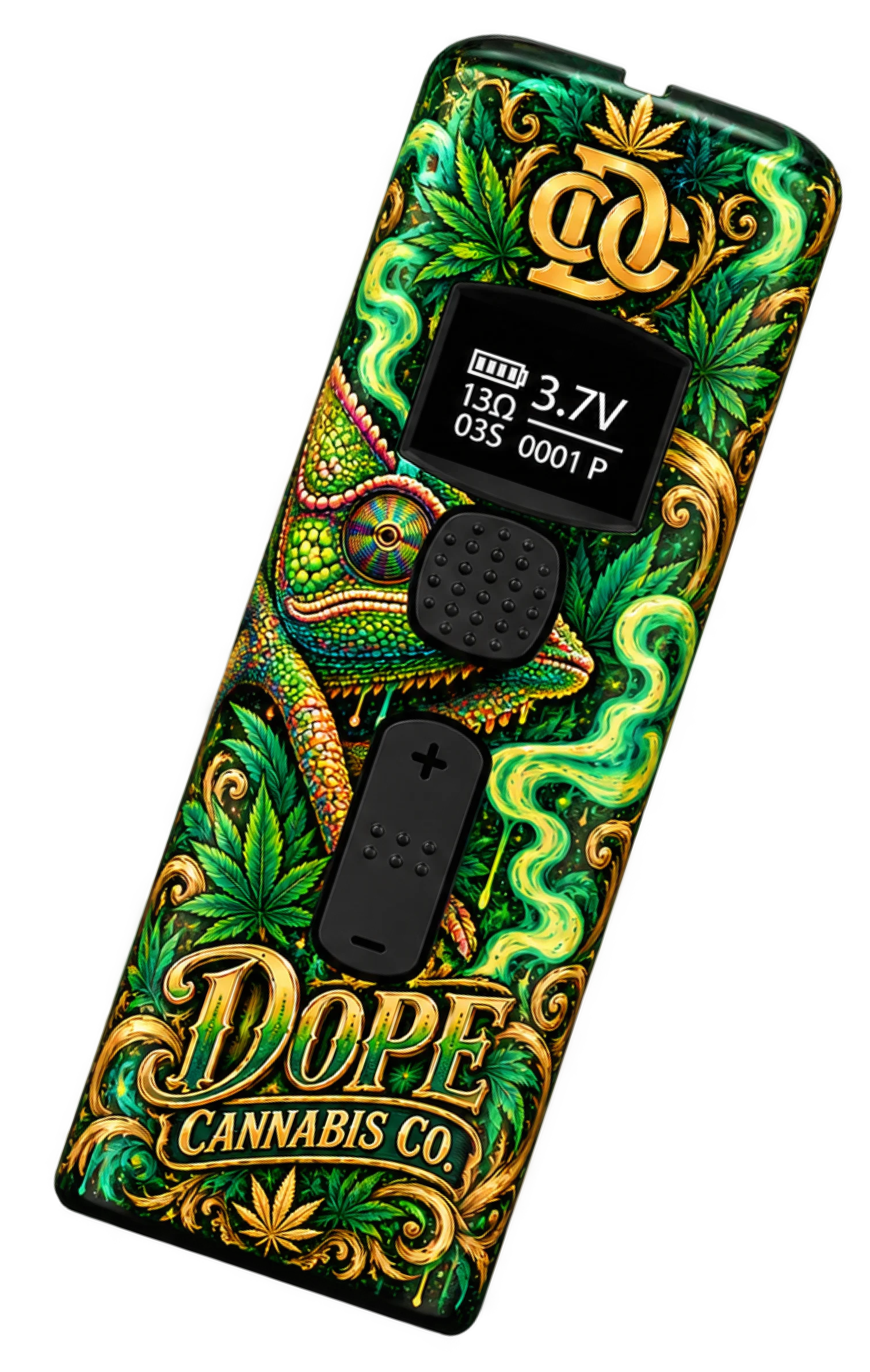



Universal Screw-On Fit
Screw-on 510 connection works with cartridges of any diameter.


Premium cannabis packaging and hardware for brands that want to win.


ADDRESS
FOR INQUIRIES
EMAIL OUR TEAM
Copyright © 2026 Rectitude Partners. All rights reserved. Powered by Sync Scrum WE MAKE DOPE SHIT
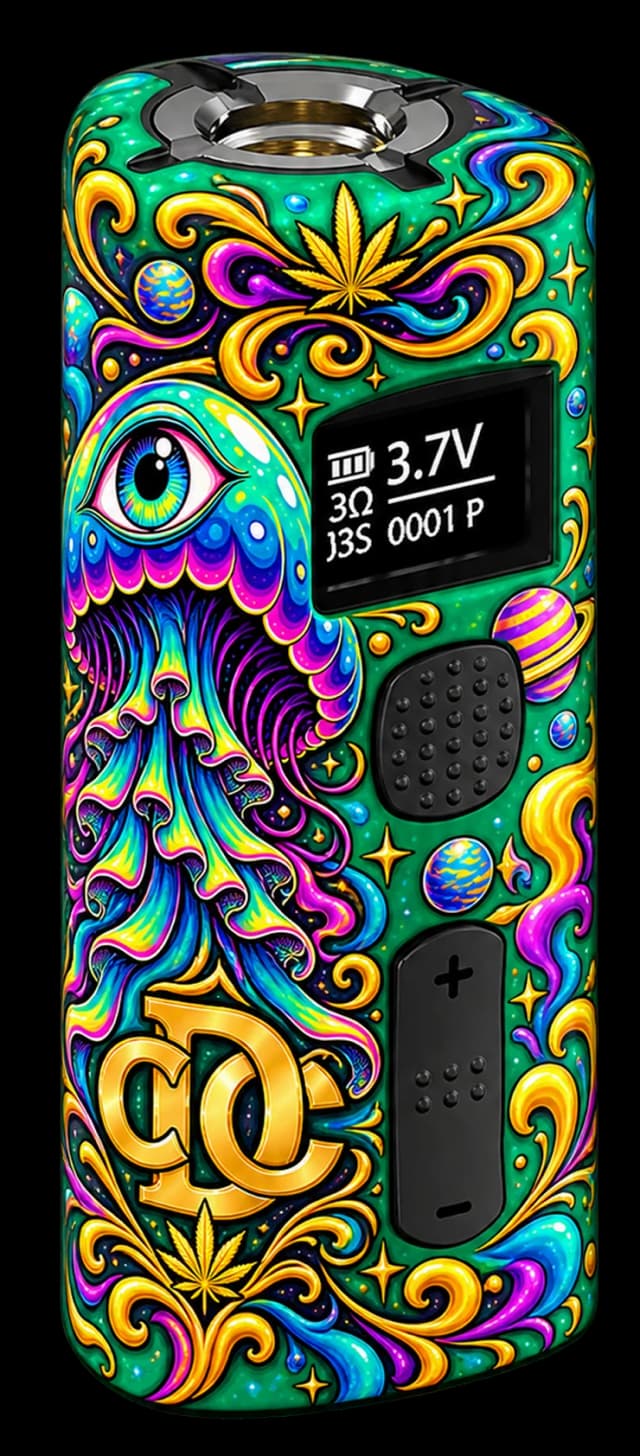
OLED Display · 1.2V–4.2V · Puff Counter · USB-C
A compact 510-thread battery with OLED monitoring, adjustable 1.2V–4.2V output in 0.1V increments, customizable session time, puff tracking, USB-C charging, and a 420mAh battery.
420mAh
Battery Capacity
1.2–4.2V
Voltage Range
0.1V Steps
Fine Control
OLED
Smart Display
1 Hour
Charge Time
≥ 0.8Ω
Cartridge Compat.
Screw-on 510 connection works with cartridges of any diameter.
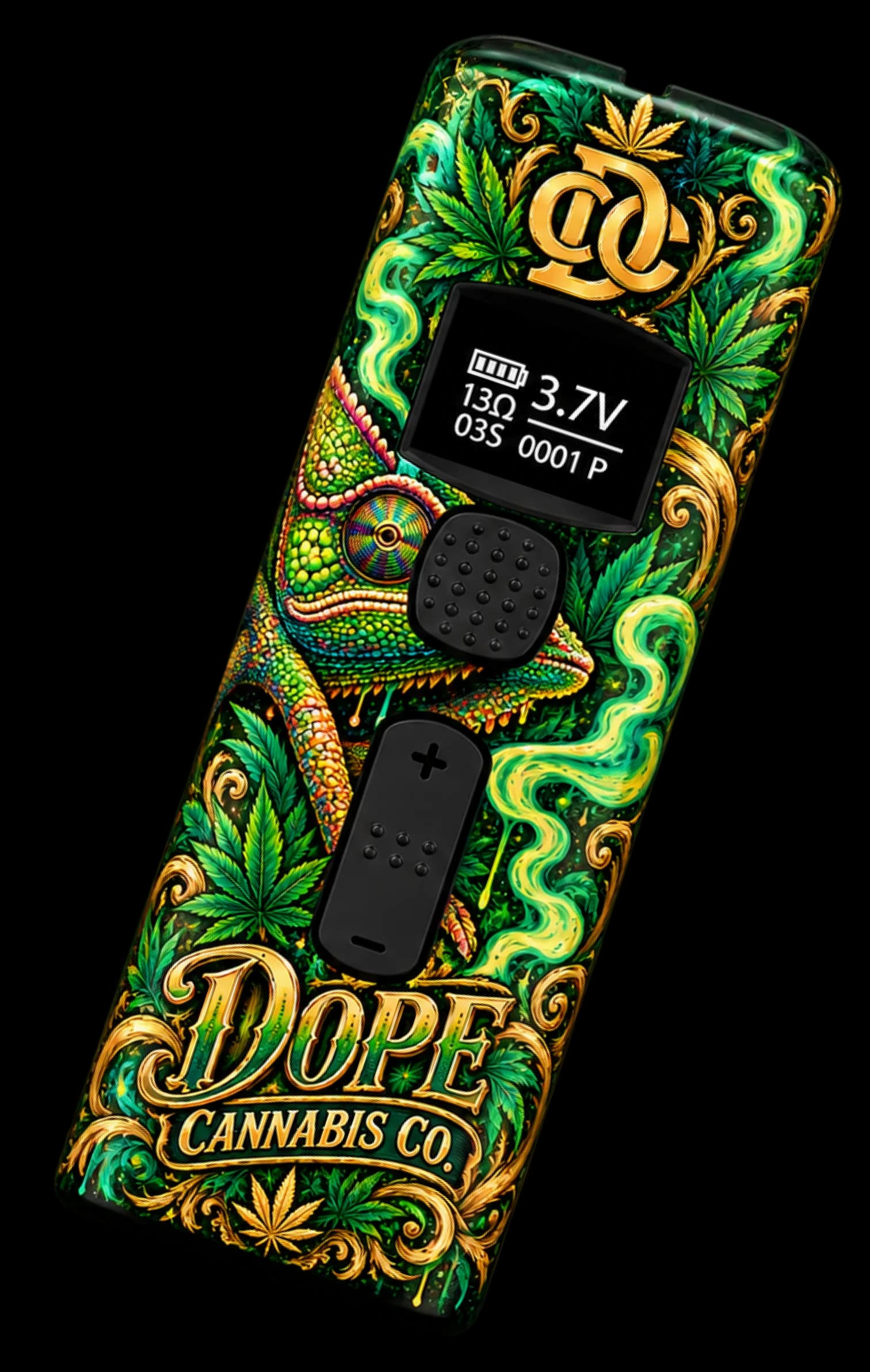
Real-time status: voltage, session time, puff count, battery, and device alerts.
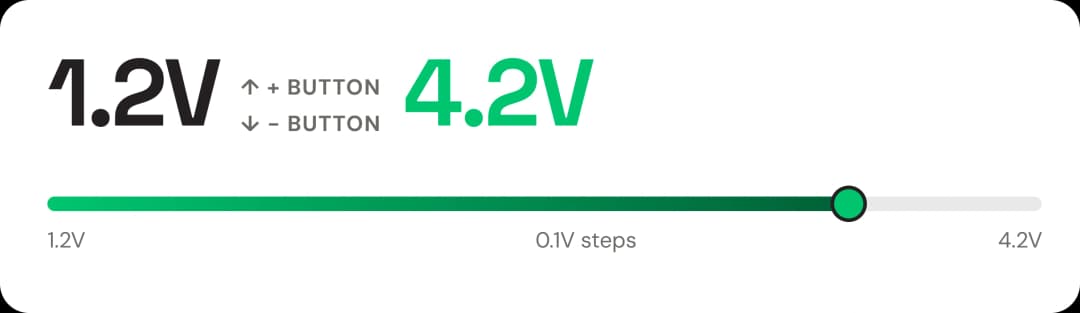
DELTA's + / - buttons let you step through 31 voltage levels in 0.1V increments. The widest adjustable range of any product in the lineup.
1
Click the power button 4 times quickly to enter session-time settings.
2
Use the + / - buttons to increase or decrease the session duration.
3
Press the power button once to confirm and save the new session time.
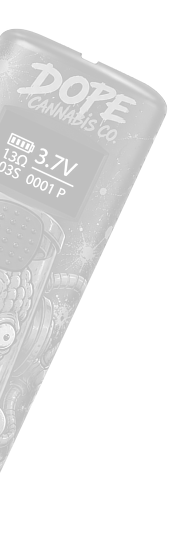
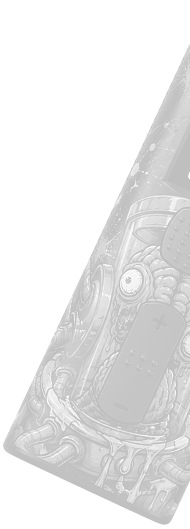
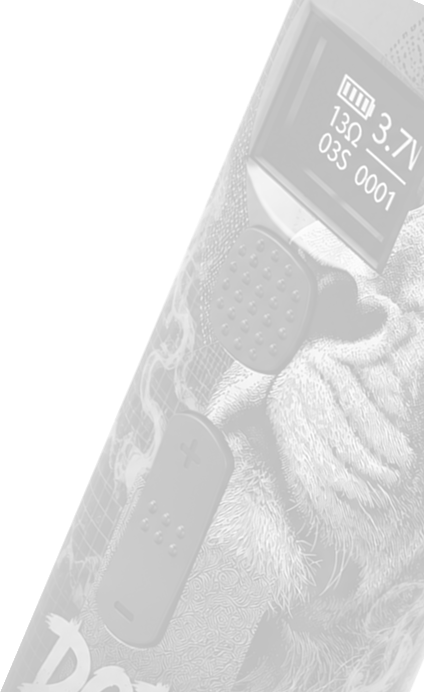
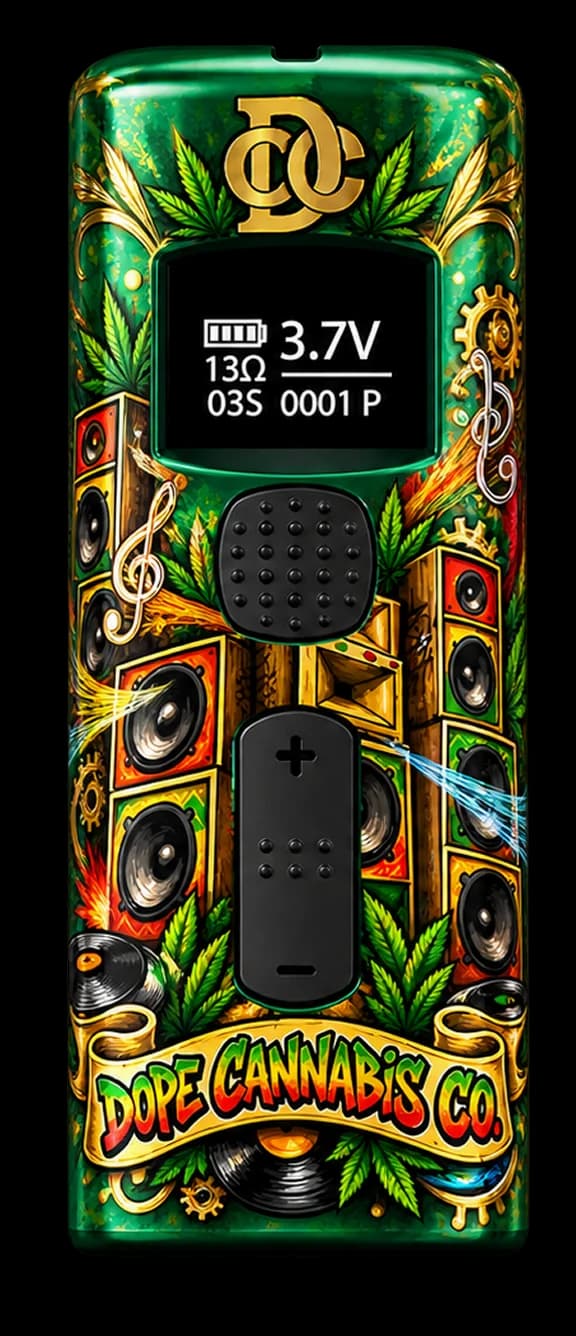
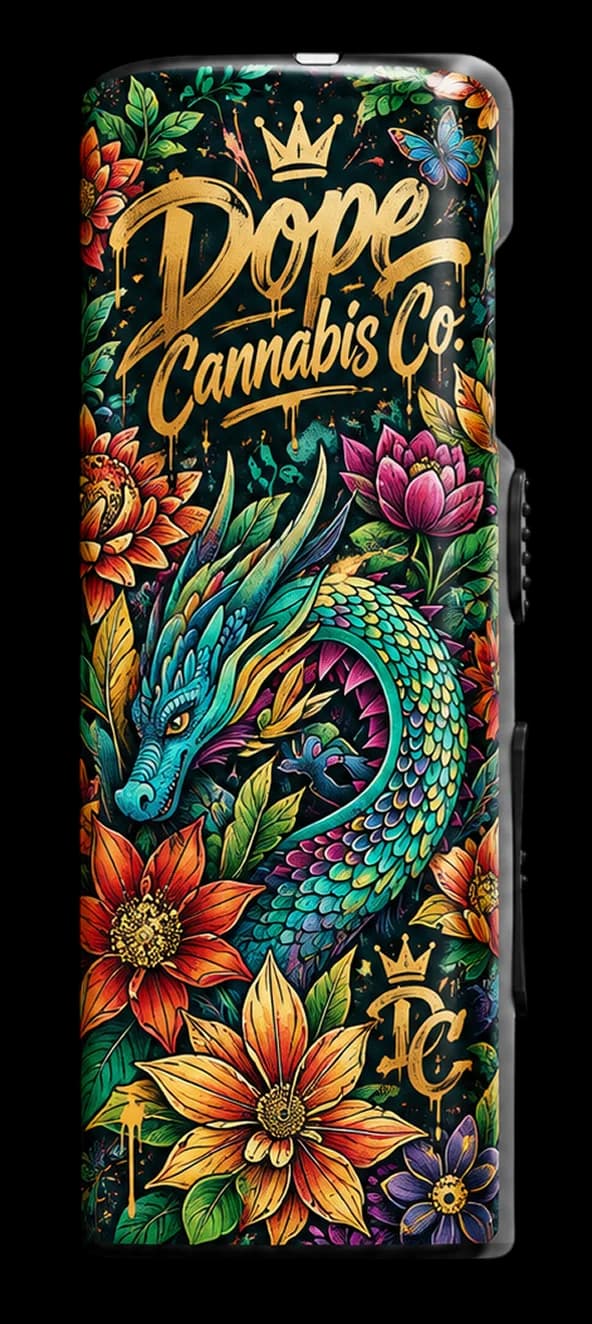
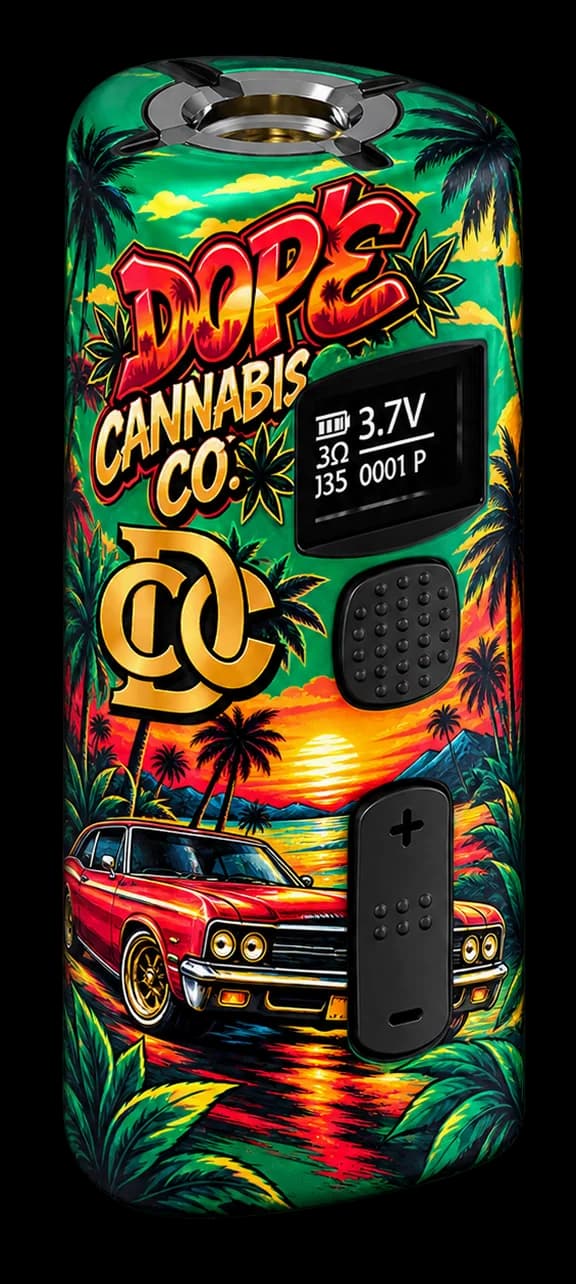
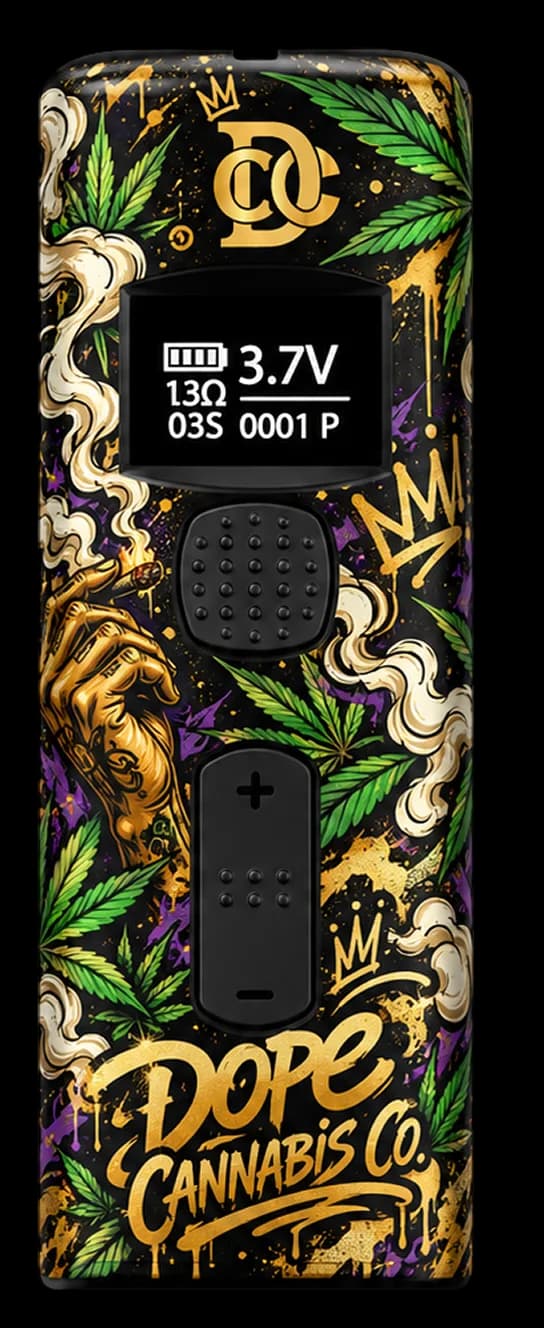
See the OLED screen, compact body, voltage controls, session timer, preheat state, and custom branding options.

Complete specification data for procurement and compliance purposes.
| Product | DELTA |
|---|---|
| Product Type | 510 Thread Battery |
| Connection | 510 Thread |
| Battery Capacity | 420mAh |
| Output Range | 1.2V–4.2V |
| Voltage Adjustment | 0.1V increments |
| Dimensions | 55.3 × 22.6 × 22.1mm |
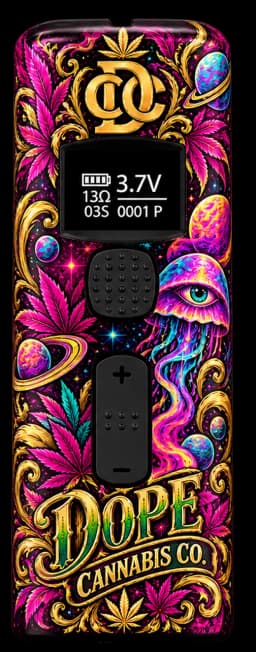
DELTA's OLED screen surfaces every device state — from live voltage and session countdown to fault alerts — directly on device.
5x
Click the power button 5 times to turn the device on or off.
2x
Double-click for 1.8V / 10-second preheat. Press once to exit.
4x
Enter session-time settings. Adjust with + / -, confirm with 1 click.
3x
Enter puff record menu. Press + / - to select Yes, confirm with 1 click.
A fixed 1.8V warm-up for 10 seconds, regardless of the current voltage setting — ideal for thick-oil cartridges.
2 clicks — Activate preheat
1.8V · 10 sec — Preheat output and duration
1 click — Exit preheat early
Do not overcharge — it may shorten battery life.
Do not use the device while charging.
If device gets too hot, pause use for 3 minutes.
Keep away from high temperature, humidity, fire, acids, or liquids.
Keep away from anyone under legal smoking age and from pets.
Improper use, disassembly, or modifications void the warranty.
Charge fully before first use.
Draw exceeded session time limit.
Battery needs recharging.
Charging
OLED shows charging % · USB-C
Fully Charged
OLED shows 100% · ~1 hour charge time
Compatible with 510-thread cartridges of any diameter with resistance ≥0.8Ω.
01
Twist the cartridge clockwise onto the 510 thread. Fits any diameter.
02
Click the power button 5 times.
510 Thread
Any diameter
Have questions about our hardware, packaging, customization, or ordering process? Here are answers to the questions we hear most often.
DELTA supports 1.2V–4.2V output. Voltage can be adjusted in 0.1V increments.
Yes. Double-click for a 10-second preheat at fixed 1.8V. Press once to stop early.
Yes. Click the power button 4 times to enter session-time settings. Use the + / – buttons to adjust the time, then click once to confirm.
DELTA supports cartridges with resistance of 0.8Ω or higher. It uses a 510-thread connection.
The specified charging time is approximately 1 hour. DELTA uses a USB-C charging port.
Still have questions? Email us at hello@rectitudepartners.com
OLED
Smart Display
1 Hour
Charge Time
≥ 0.8Ω
Cartridge Compat.
1.2V–4.2V range in precise 0.1V increments using + / - buttons.
Set your preferred session duration via 4-click settings menu.
Built-in puff counter tracks cumulative usage. Clearable from the menu.
| Charging Port | USB-C |
|---|
| Charging Time | ~1 Hour |
|---|
| Cartridge Compatibility | Resistance ≥ 0.8Ω |
|---|
| Display | OLED |
|---|
| Session Time | Adjustable |
|---|
| Puff Record | Yes |
|---|
| Preheat | 1.8V / 10 seconds |
|---|
Turn On
Working
Turn Off
Preheating
Session Time
Voltage Setting
Work Overtime
Short Circuit
Low Voltage
Open Circuit
Overheat
Charging
Fully Charged
Locked
Clear Puffs
DELTA counts every puff and stores your history. Clear the record at any time from the 3-click menu.
3 clicks to enter puff record menu
Use + / - to select "Yes"
1 click to confirm clear
Lock the device to prevent accidental voltage changes or button presses.
Hold + and − together
Press and hold the + and - buttons simultaneously for 2 seconds to lock or unlock the device. OLED shows locked state.
Short circuit detected in cartridge.
Device temperature too high.
Open circuit or missing cartridge.
Puff record successfully cleared.
03
4 clicks to enter settings, adjust with + / -, confirm with 1 click.
04
Press + or - to step through 1.2V–4.2V in 0.1V increments.
05
Hold the power button down and inhale.
≥ 0.8Ω